Billing integration / Available now
WHMCS integration.
Connect dedicated-server services to DCIM. Automate the service lifecycle and give customers the operational controls they need inside WHMCS.
Lifecycle
Create, suspend, unsuspend and terminate
Customer area
Power, provisioning and remote console
Compatibility
WHMCS 9.0+ on PHP 8.2 or 8.3
Customer server management
Open dedicated server management from the service page.
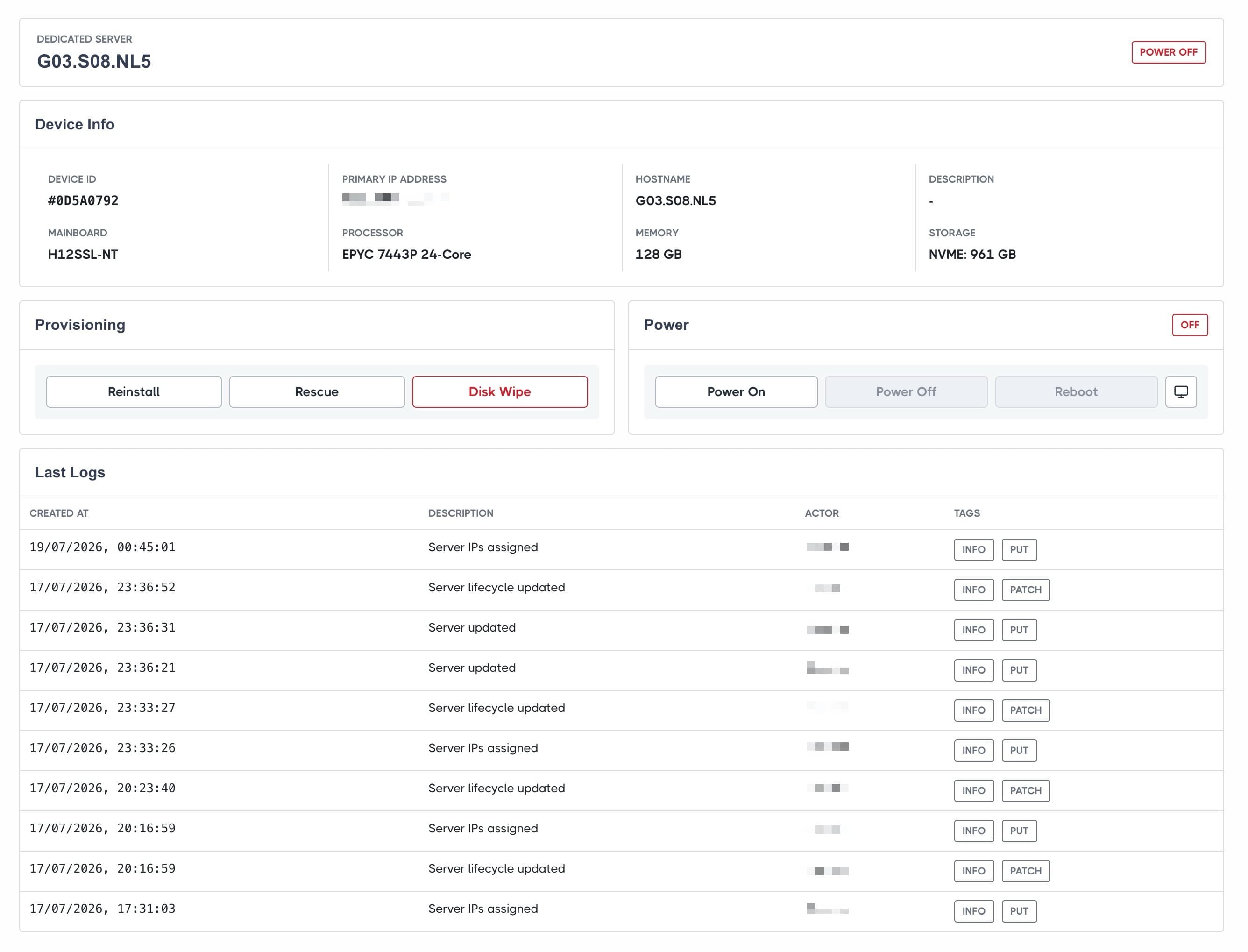
Customers see hardware, primary IP, power state, active jobs and recent activity without exposing inventory-only controls such as switch ports or stock status.
Provisioning
Reinstall, rescue and wipe without a support ticket.
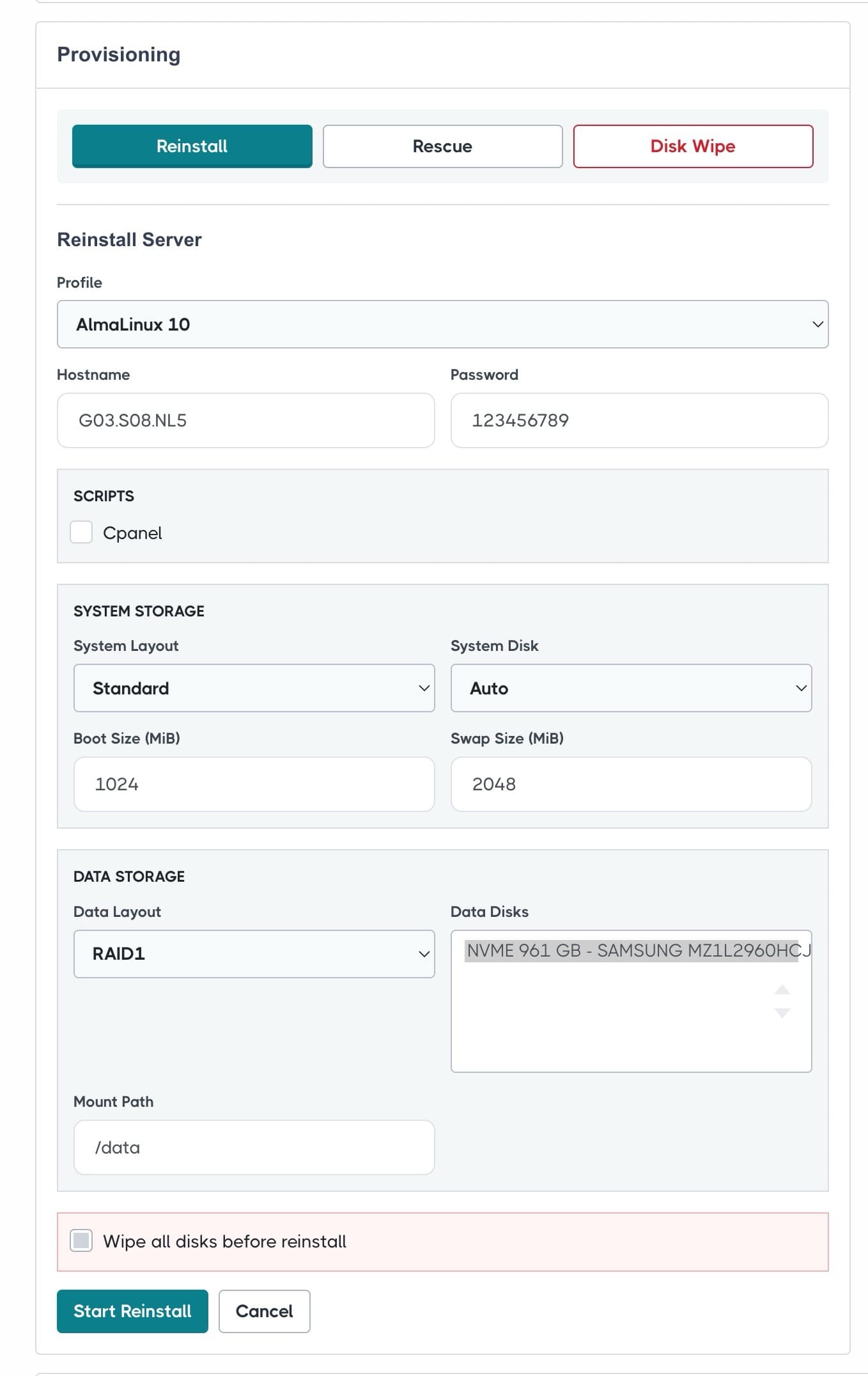
WHMCS loads the active DCIM profiles, scripts and detected server disks. The customer chooses the OS and storage layout, while DCIM executes and reports every workflow step.
Power controls
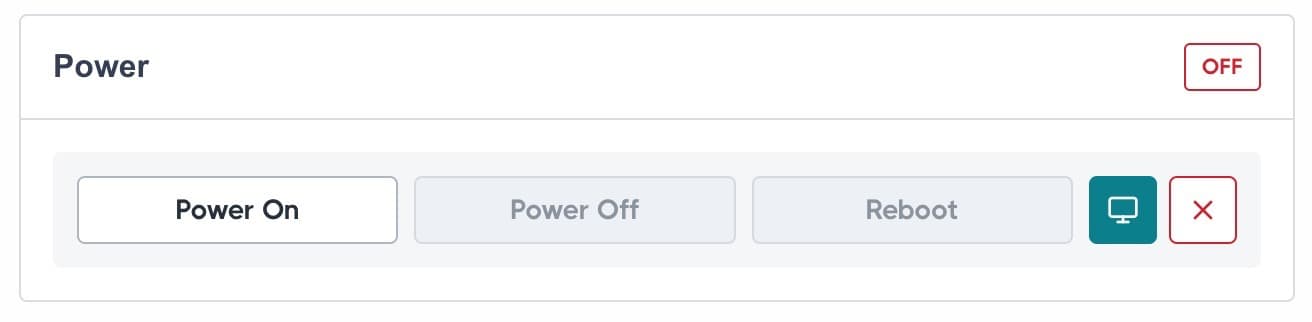
Customers can power on, power off and reboot their dedicated server.
PXE provisioning
Expose reinstall, rescue and disk-wipe workflows with live job progress.
Remote console
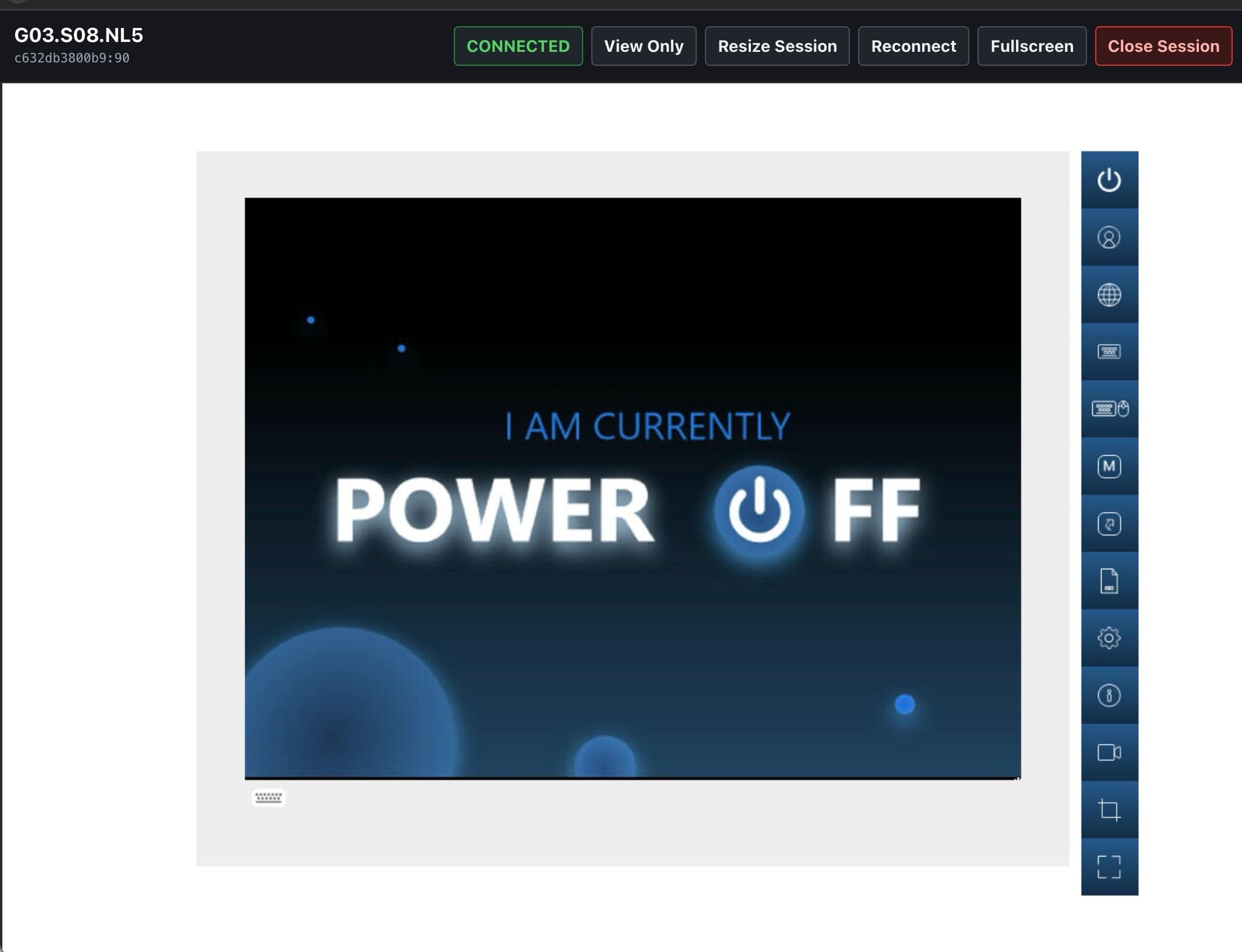
Open the server console directly from WHMCS through the connected DCIM agent.
Remote console
Reach BIOS and recovery screens from WHMCS.
The noVNC viewer opens in a dedicated popup and connects directly to the assigned DCIM agent over HTTPS/WSS. Customers can reconnect, resize or close the session without receiving BMC credentials.
Lifecycle automation
Keep WHMCS billing state and DCIM inventory aligned.
01
Create
Assign the WHMCS Dedicated IP, add the service tag and optionally set the server ACTIVE.
02
Suspend
Disable the primary switch port and optionally power off the server.
03
Unsuspend
Restore the primary switch port and optionally power the server back on.
04
Terminate
Restore the port, power off, unassign IPs, remove the tag and return the server to STOCK.
Installation and configuration