Server Diagnostics
Move from broad health checks to dedicated hardware tests.
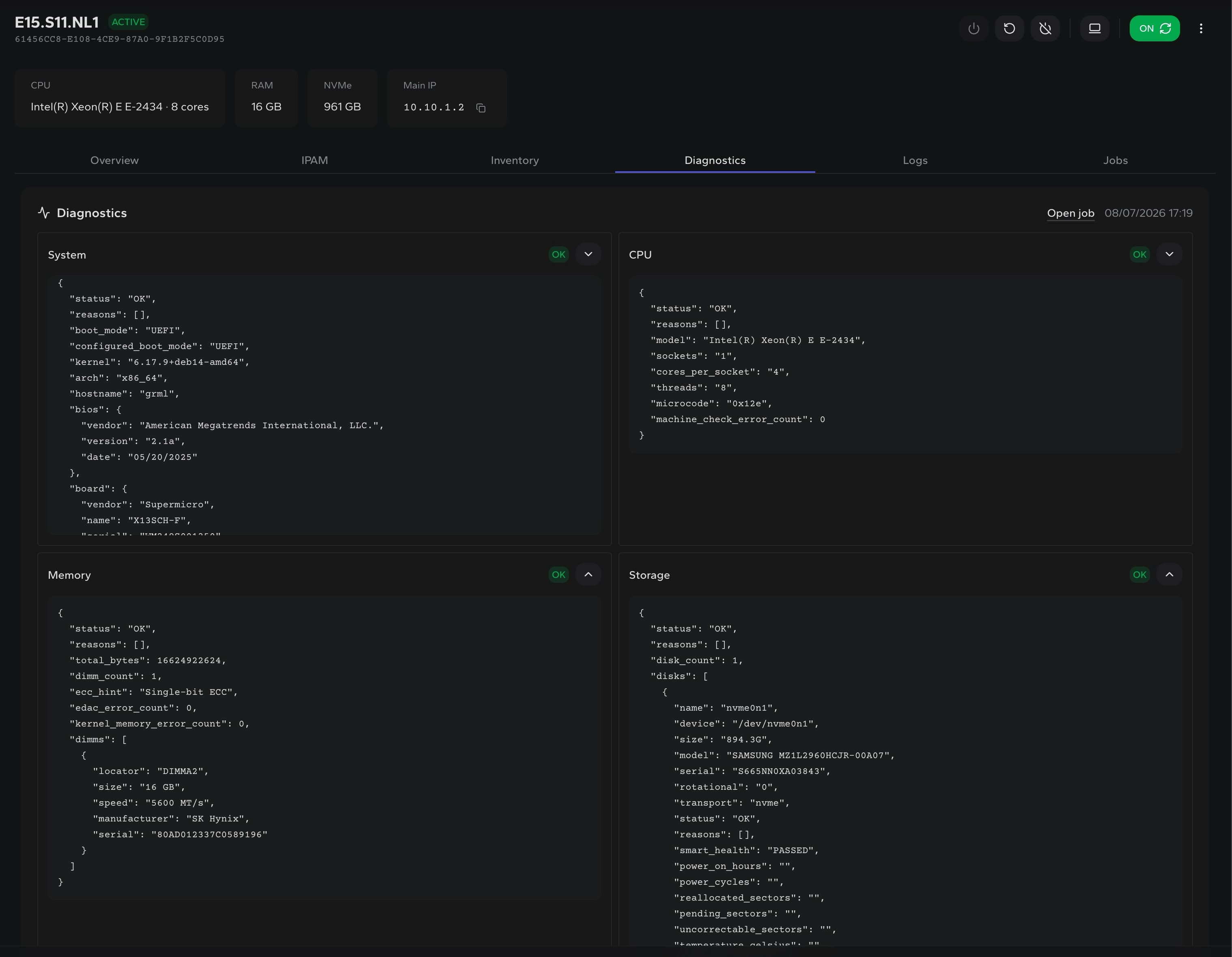
Choose the diagnostic profile that matches the incident, follow its job and retain every structured result on the server record.
System HealthMemory TestDisk TestSMARTECCAPI
Profiles
Choose system health, memory or full-disk tests
History
Keep every diagnostic report attached to the server
Result access
Review structured results in the UI or external API
Diagnostic profiles
Choose the depth the incident requires.
Each profile owns its report structure, so operators see the evidence that matters without flattening every test into the same output.
System Health
Collect system, CPU, memory, storage, network, BMC and kernel signals in one broad health report.
GRML Memory Test
Exercise available memory patterns and retain coverage, duration, ECC counters, errors and DIMM inventory.
Disk Test
Read every eligible physical disk by default, compare SMART before and after, and capture surface or kernel I/O errors.
Memtest86+
Boot the standalone Memtest86+ 7.20 preboot diagnostic for full memory validation through the remote console.
Built for evidence-based operations
Compare reports before replacement, reinstall or escalation.
Disk tests are read-only by default. Destructive mode writes and verifies the complete surface of every eligible physical disk and is presented as an explicit danger action before the job starts.