Remote Console
Open remote server console access from DCIM.
Launch Supermicro Java, Supermicro HTML5 and ASUS JViewer sessions from the server record, keeping BIOS and recovery access close to the infrastructure workflow.
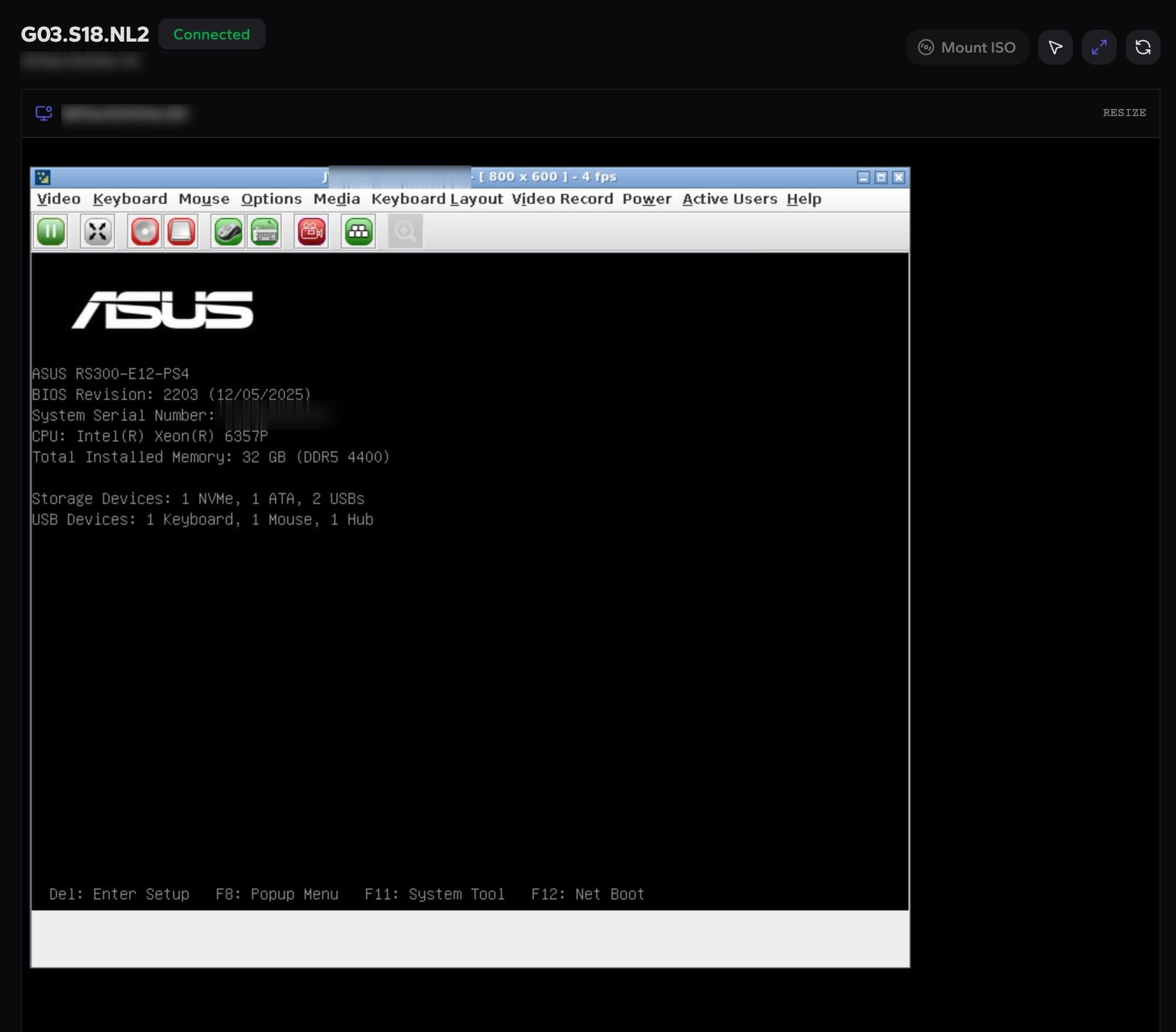
Session state
Connected status visible before operators act
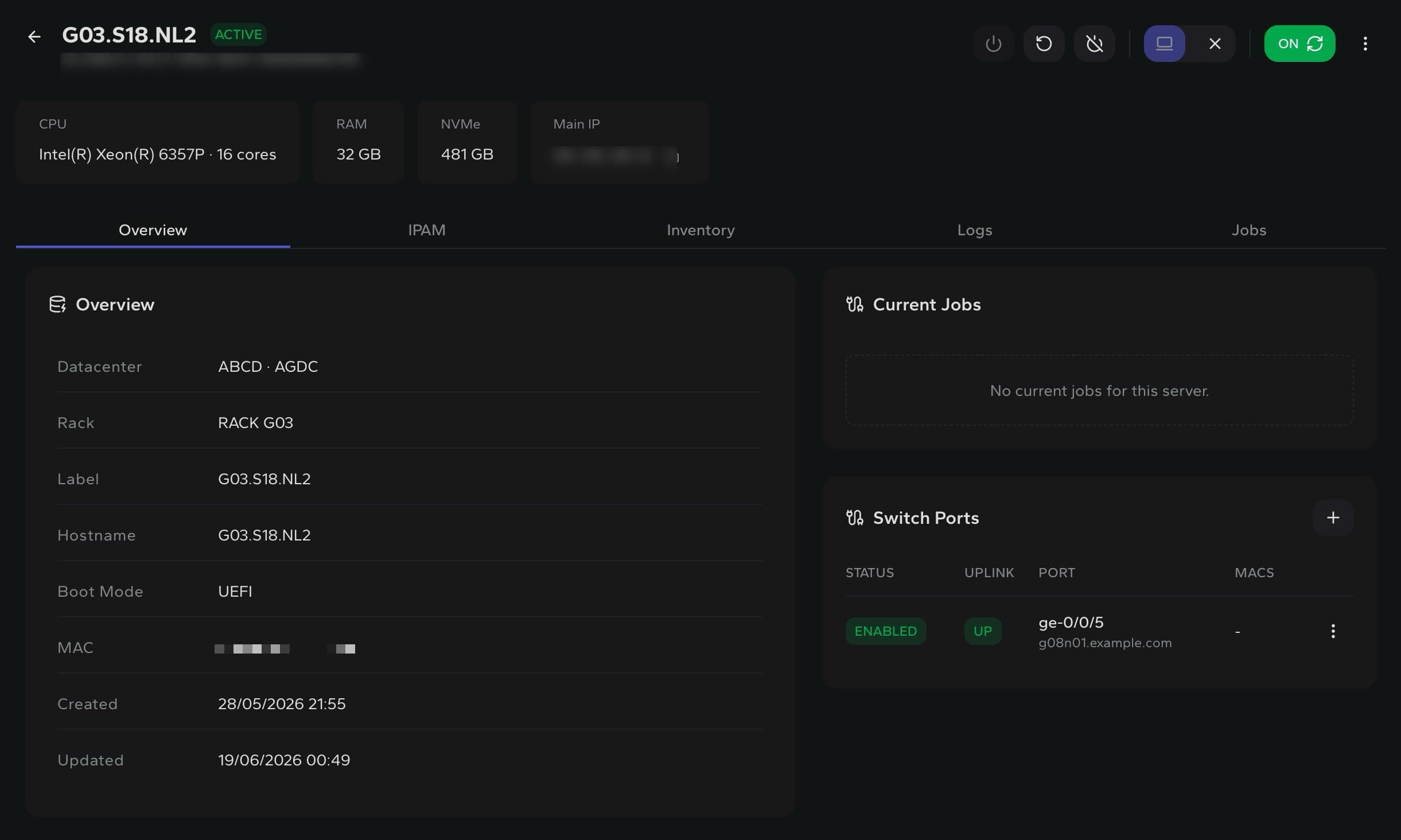
Server context
Console access starts from the server record
Media control
Mount ISO on viewers that support virtual media
Server access
Start console work from the asset you are managing.
Operators can check server status, current jobs and connected switch ports before opening the remote screen.
Console workflow
Keep hands-on recovery inside the same operational flow.
Out-of-band access
Reach BIOS, boot menus and installer screens when the OS is not available.
Operational context
Keep console access tied to the server, power state and BMC workflow.
Install workflows
Use console visibility alongside recovery, provisioning and supported ISO workflows.
Built for remote recovery