BMC Power Control
Control host power and recover the BMC.
Run host power actions or restart only the management controller through configured IPMI or Redfish access, with server and job context still visible.
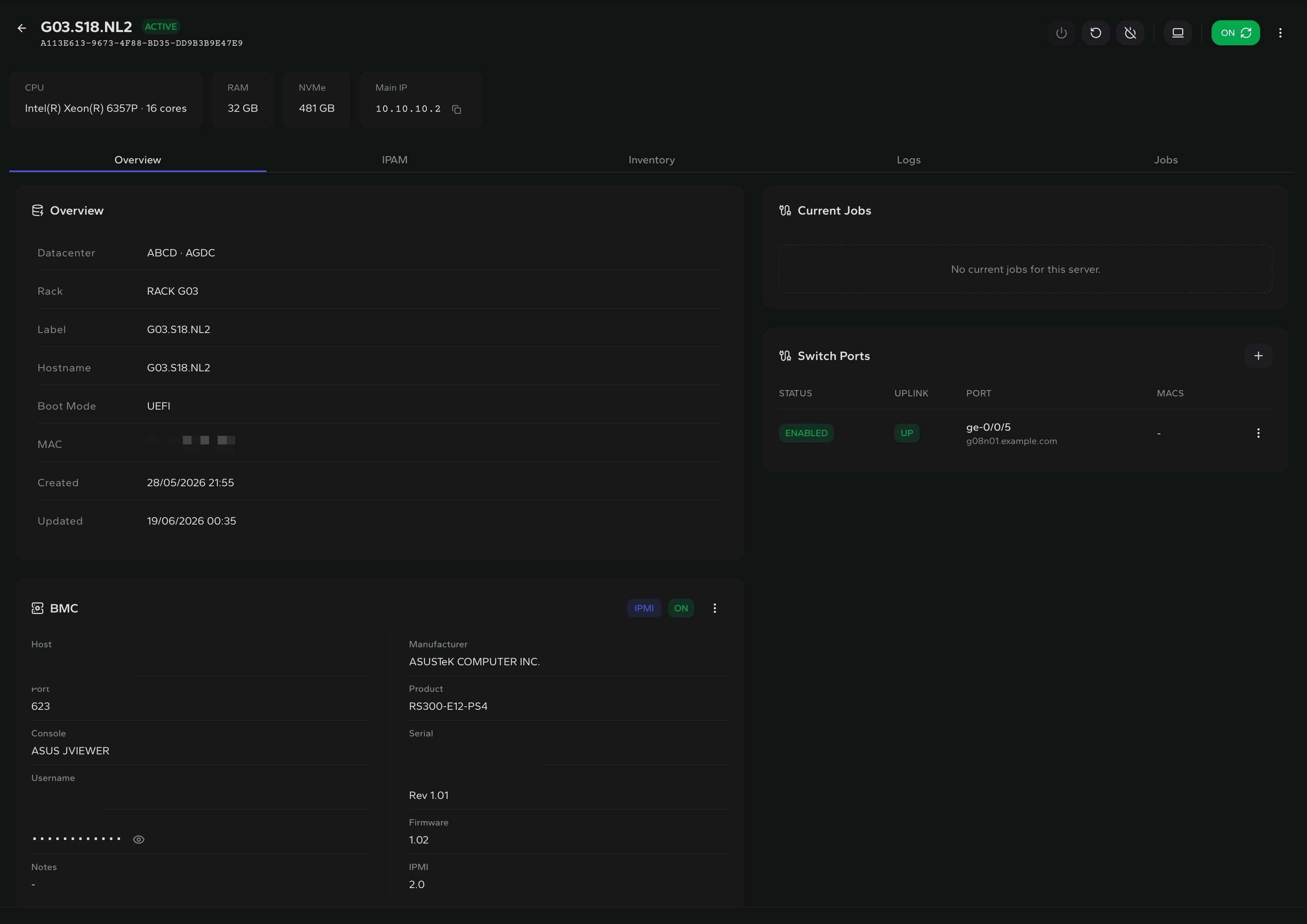
Power state
See BMC and server power status together
Host control
Power on, power off and reboot from the asset
BMC recovery
Restart only the management controller
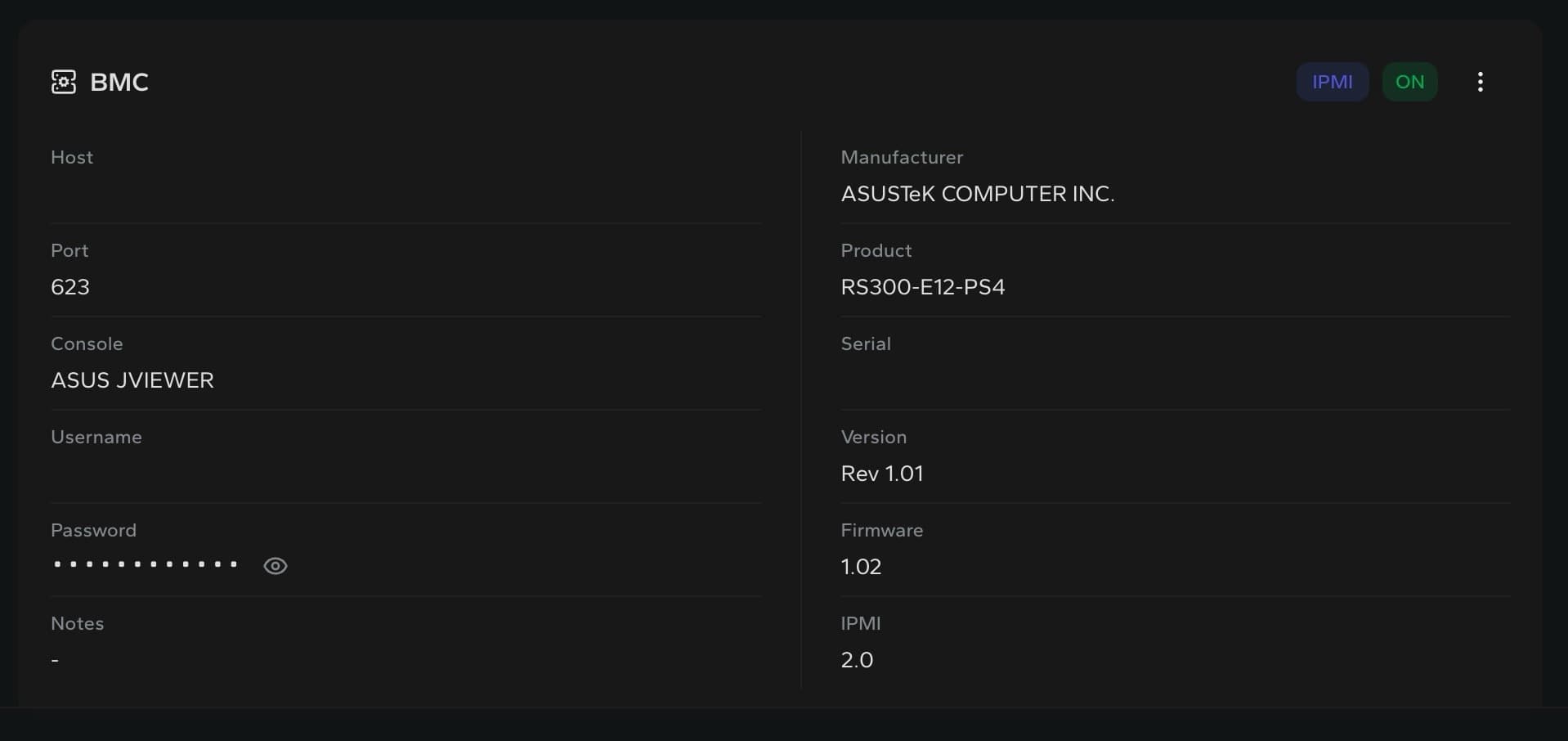
BMC details
Keep out-of-band access visible before using it.
Operators can verify BMC status, firmware and protocol metadata without leaving the server page, then test the connection, refresh facts or recover an unresponsive controller.
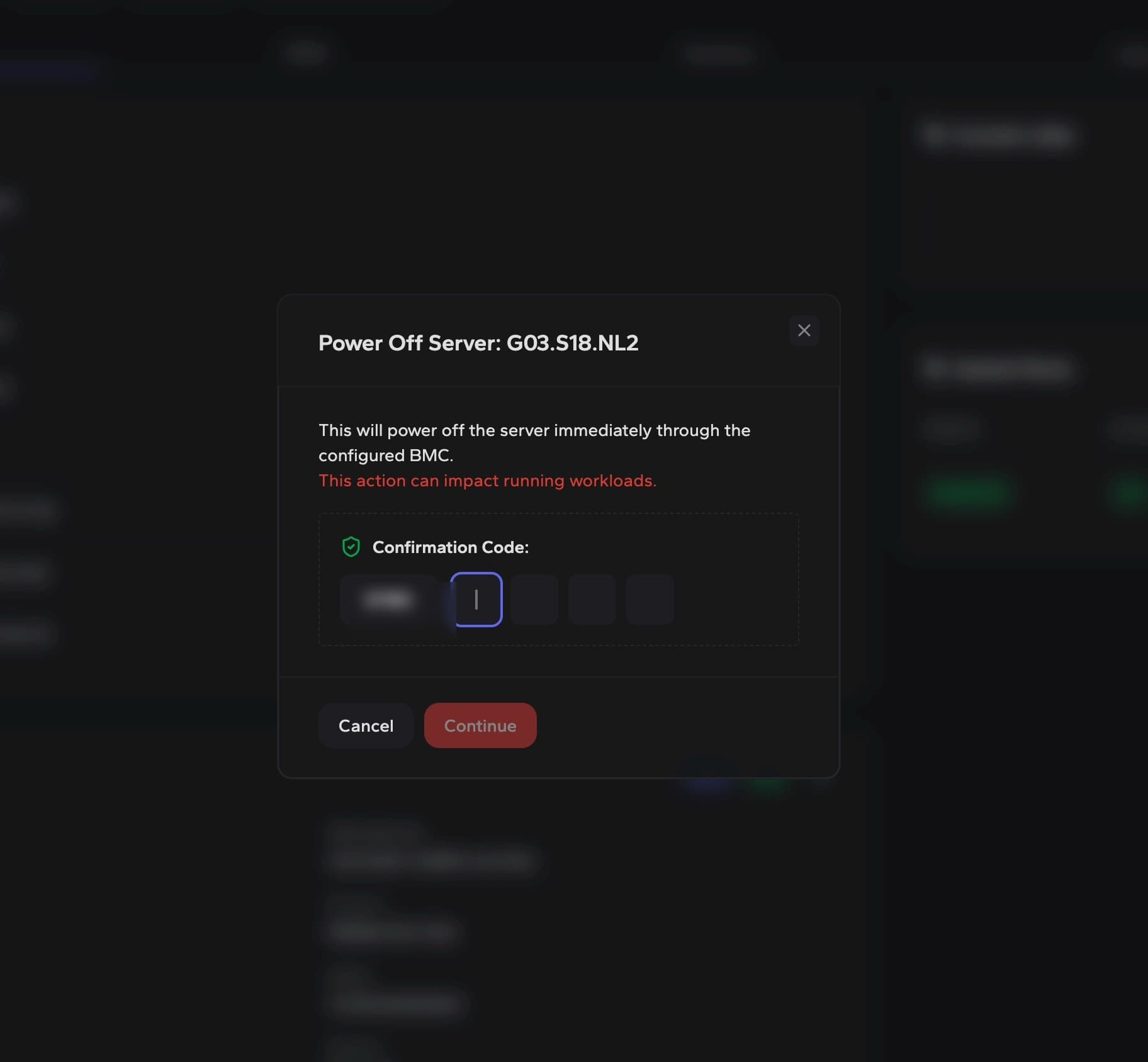
Confirmed actions
Make disruptive power changes intentional.
Power off, reboot and BMC restart flows require explicit confirmation before the configured controller receives the command.
Controller recovery
Restart the IPMI or Redfish manager without changing the server power state.
Protocol support
Use IPMI or Redfish for power actions, status checks and BMC validation.
Session guardrail
Close active remote consoles before restarting the management controller.
Built for remote hardware operations