API
Connect the DCIM API to your own systems.
Use documented Admin and Client APIs to integrate inventory, provisioning, diagnostics, network operations, jobs and logs with external tools.
ServersDatacentersRacksSubnetsSwitchesProfilesISOsJobsDiagnosticsLogs
Admin API
Full operational access controlled by admin token scopes
Client API
Expose the right resources to customer-facing integrations
Bearer auth
Authenticate every request with a scoped API token
Token access
Authenticate integrations with scoped bearer tokens.
API tokens define who can call the API and which operational resources they are allowed to access.
Header
Authorization: Bearer YOUR_API_TOKENScoped tokens
Limit API access by token role and allowed resource scopes.
Operational endpoints
Create servers, launch jobs, inspect diagnostics, manage IPs and update switch ports.
Request examples
Keep curl examples and response schemas close to each documented endpoint.
Built for automation
Let external systems call DCIM safely.
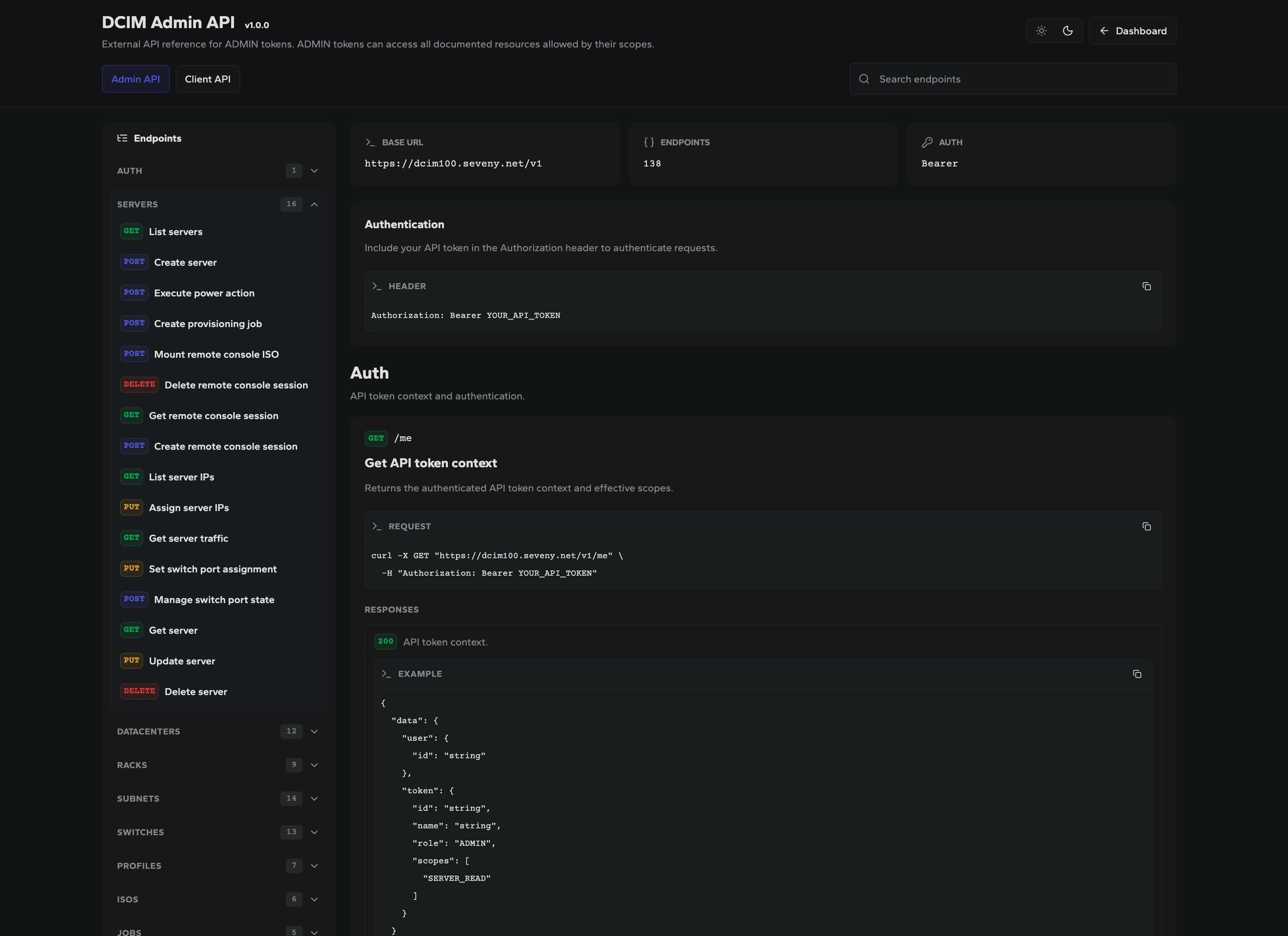
Request and response examples
Document the call before someone automates it.
Each endpoint can show the method, path, required token context, curl request and response shape.
Request
curl -X GET https://dcim.example/v1/me \
-H "Authorization: Bearer YOUR_API_TOKEN"
Response
{
  "data": {
    "token": {
      "role": "ADMIN",
      "scopes": ["SERVER_READ"]
    }
  }
}
Built for external integrations